What is part nesting?+
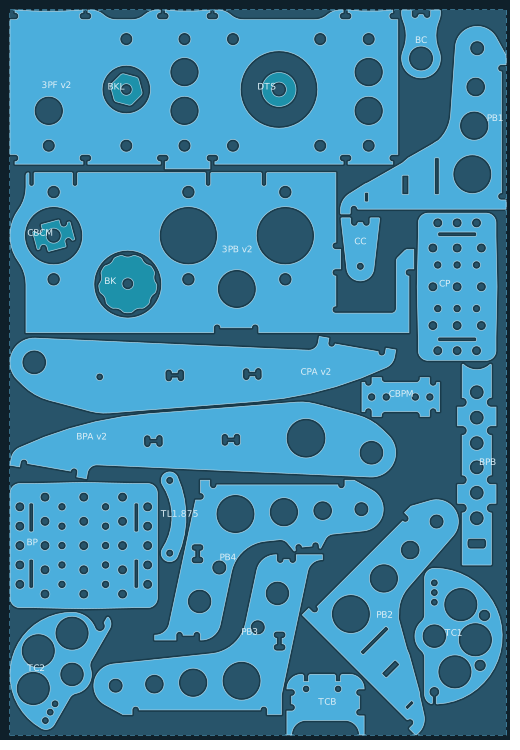
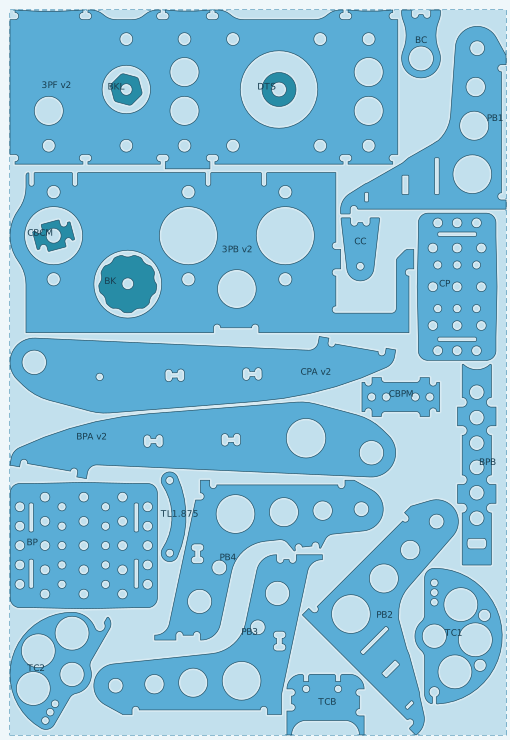
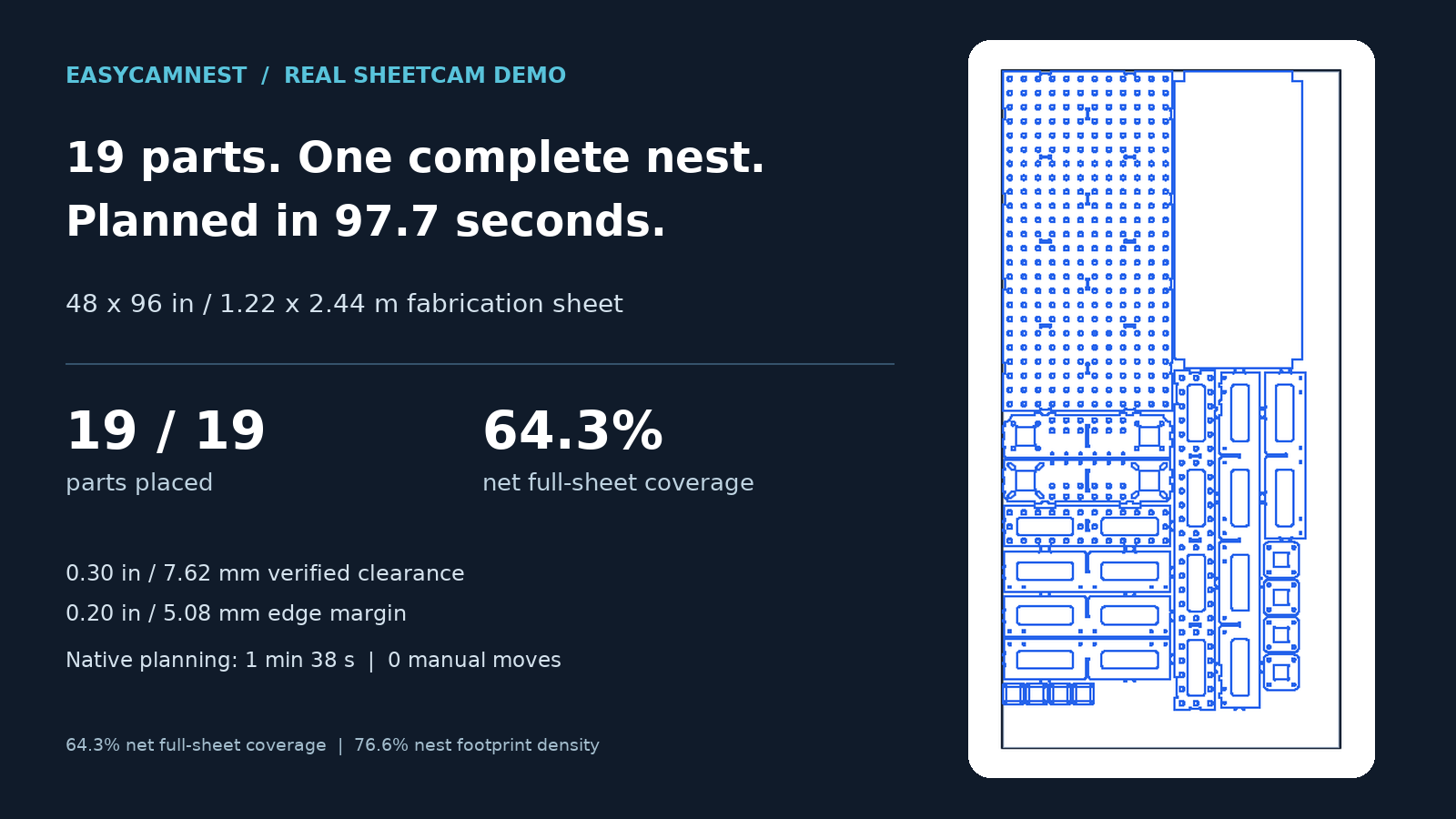
Nesting is arranging parts on a piece of material before cutting. A useful nest fits the required parts while respecting spacing, edge margins, and orientation choices. It can reduce manual arranging and make better use of available stock.
How do I bring my DXF parts into EasyCamNest?+
Load the drawings into SheetCam and prepare the parts and quantities there, then open EasyCamNest. DXF jobs have been used in testing. A workflow for importing new DXFs or parts jobs directly inside EasyCamNest while the remnant is open is planned; it should not be presented as available now.
Can it nest different shapes and repeated parts together?+
It can work with the parts and copies already present in a supported SheetCam job, including irregular shapes. Prepare the required quantities in SheetCam. Do not assume it will generate extra copies just because spare room remains.
Will nesting change the dimensions of my parts?+
Placement uses positions and permitted orientations while preserving original physical size and shape. Parts are not scaled down to make a job fit. Check the drawing's imported size before nesting, especially when the source units are unclear.
What should I have open when starting a remnant nest?+
Open the job containing the new parts to be nested. Select the previous-cut job as the remnant source inside EasyCamNest. Starting with the remnant open and adding new parts through an in-plugin importer is a separate planned workflow.
Will the previously cut parts be moved or cut again?+
Remnant cut footprints are kept as locked, disabled reference geometry without cutting operations. Leave those references disabled and unchanged. They describe unavailable material; they are not new production parts.
What if the remnant has different dimensions from my parts job?+
Check the proposed remnant dimensions before accepting. In the supported remnant Apply workflow, acceptance updates the destination's rectangular work area to those bounds. Part sizes stay the same. Thickness, tools, and cutting operations are not imported from the remnant job.
Can I save an irregular material outline for later?+
Compatible outlines can be saved and reloaded in their material context. If an outline belongs to an imported remnant, load the matching source so previous-cut obstacles stay associated with it. This is not a remnant inventory database.
Can EasyCamNest detect my offcut from a photograph or find its machine position?+
That capability is not established. Supply a supported source job or draw and measure the usable outline. You remain responsible for matching the real sheet's position and orientation to the job setup.
Can it find the smallest piece of material for my parts?+
Development tests compare material proportions and refine the best layouts, including edge margins in the required material size. This is not yet a standard installed workflow, and the smallest result found is not a proven global minimum.